
IPTV Firestick Malta: Complete Setup Guide and Best Apps
Introduction
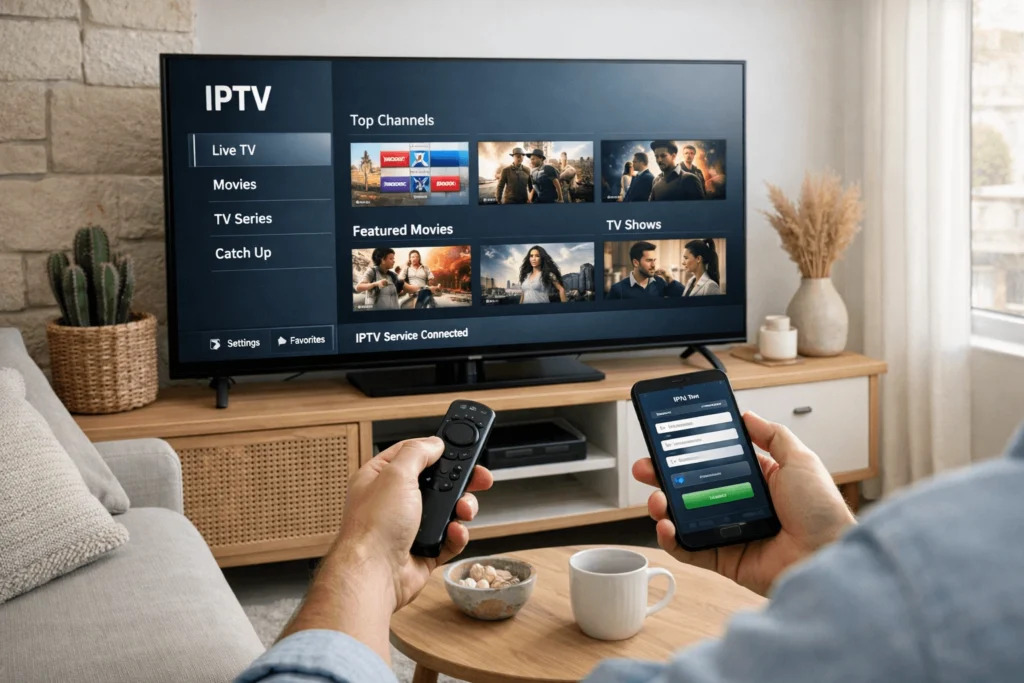
The Amazon Fire TV Stick has become one of the most widely used streaming devices in Malta, valued for its compact design, affordable price point, and straightforward interface. Plugging directly into any HDMI-equipped television, it effectively transforms a standard screen into a fully functional smart TV. For users exploring internet-based television, setting up IPTV Firestick Malta is one of the most accessible entry points into streaming live channels, sports, and international content without relying on traditional broadcast infrastructure.
This guide walks through everything you need to know — from initial device configuration to application installation, troubleshooting, and maintaining a stable streaming experience in a Maltese home environment.
What Is IPTV on Firestick and Why It Works Well
IPTV, or Internet Protocol Television, delivers television content over an internet connection rather than through satellite or cable signals. Instead of receiving a broadcast signal via antenna or dish, your device connects to a remote server that streams channels and on-demand content directly to your screen.
The Firestick is particularly well suited to IPTV because it runs a modified version of Android, which means it supports sideloading — the process of installing applications that are not available through the official Amazon Appstore. This makes it one of the most flexible devices for IPTV use, and indeed one of the most popular choices among IPTV users in Malta and across Europe more broadly.
What You Need Before Setting Up IPTV on Firestick
Hardware and Connection Requirements
Before beginning the setup process, a few essentials should be in place. Your Firestick should be running an up-to-date firmware version, which you can verify under Settings > My Fire TV > About > Check for Updates. A stable broadband connection is equally important — HD streams generally require a minimum of 10 Mbps, while 4K content demands 25 Mbps or higher. In Malta, fibre broadband is widely available across most populated areas, so most households should comfortably meet these requirements.
While Wi-Fi is sufficient for many users, a wired connection via an ethernet adapter for Firestick provides significantly more stable performance during live sports or peak viewing hours.
IPTV Credentials from Your Provider
You will also need valid credentials from an IPTV service provider. These are typically provided in one of two formats: an M3U playlist URL, or Xtream Codes login details comprising a server address, username, and password. Keep these details accessible before starting the installation, as you will need to enter them directly into your chosen IPTV application.
Step-by-Step: How to Install IPTV on Firestick in Malta
Step 1 — Enable Apps from Unknown Sources
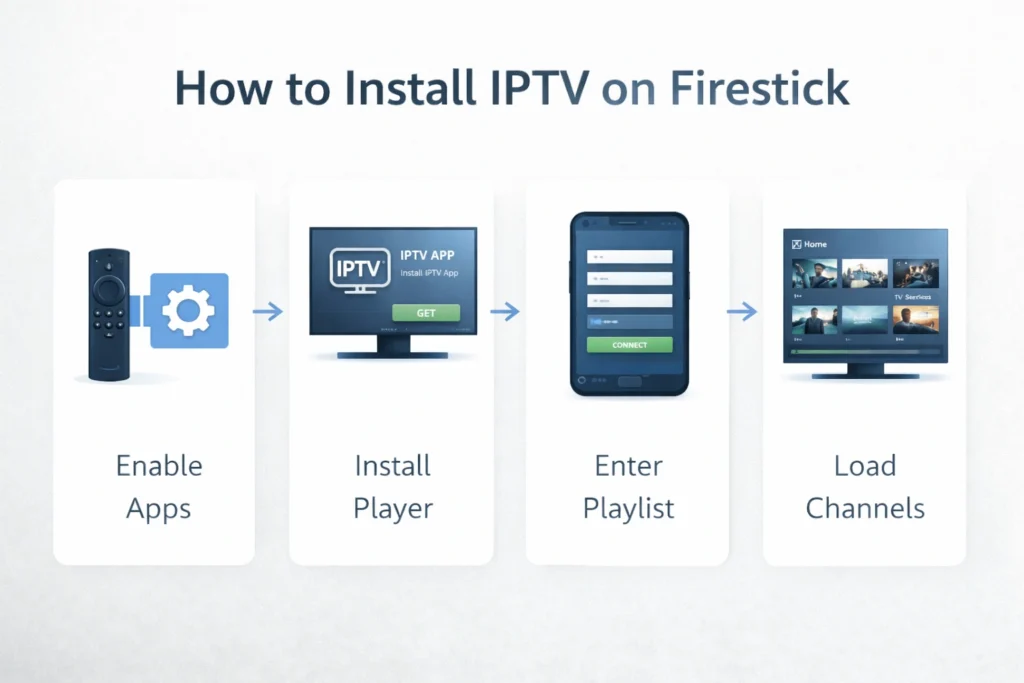
Because most dedicated IPTV players are not listed in the Amazon Appstore, you first need to allow your Firestick to install applications from external sources. Navigate to Settings > My Fire TV > Developer Options and enable the toggle labelled “Apps from Unknown Sources.” This step is necessary for sideloading and does not affect the standard functionality of your device.
Step 2 — Install the Downloader Application
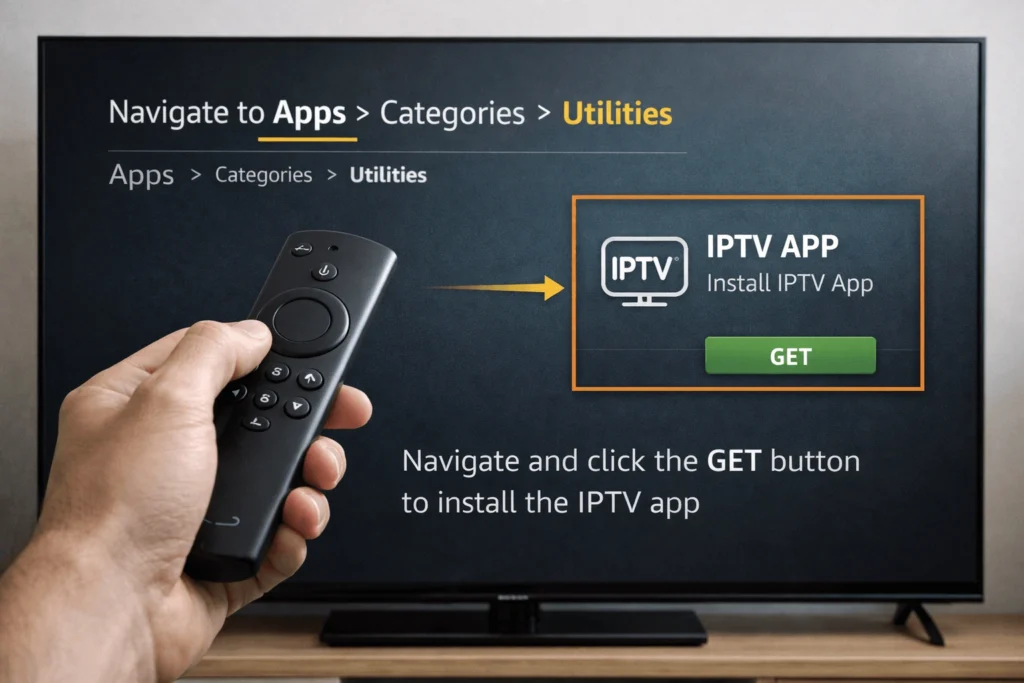
The Downloader app is available directly within the Amazon Appstore and acts as a browser and file manager, allowing you to download APK files — the Android application packages used to install IPTV players. Search for “Downloader” in the Appstore, install it, and open it.
Step 3 — Download Your Chosen IPTV Player
Within the Downloader app, enter the URL for the APK file of your preferred IPTV player. Several well-regarded options are covered in the following section. Once the file downloads, the Firestick will prompt you to install it. Follow the on-screen instructions to complete the installation, then return to your home screen where the application will now appear.
Step 4 — Enter Your IPTV Credentials
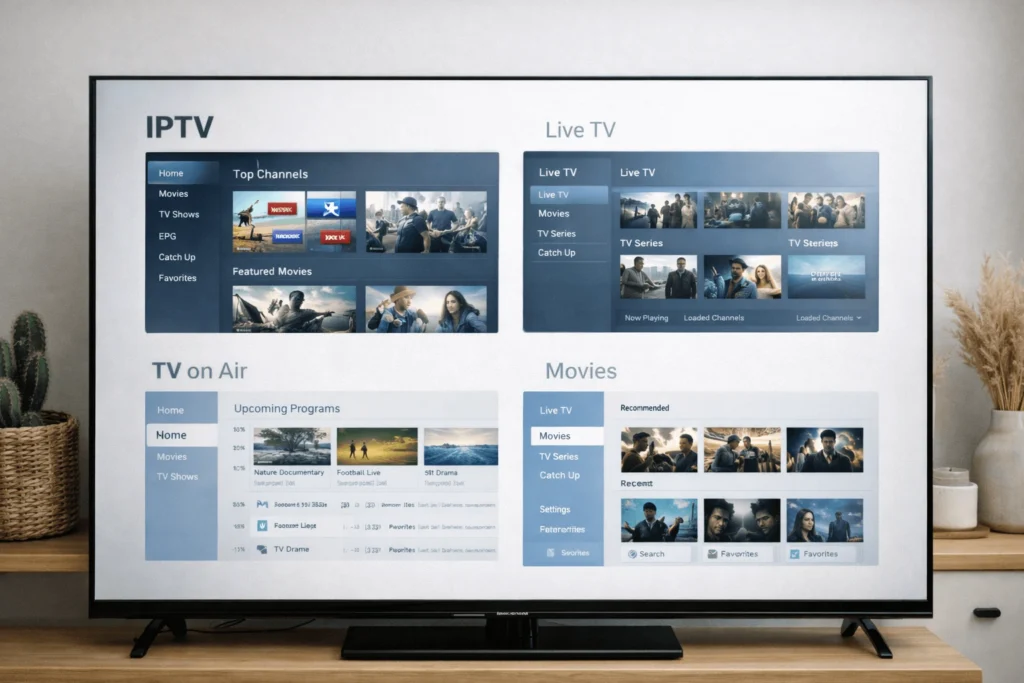
Open the newly installed IPTV application and navigate to the playlist or account section. Enter either your M3U URL or your Xtream Codes login details as provided by your service. The application will then load your channel list and, where available, Electronic Programme Guide (EPG) data. This process typically takes between thirty seconds and a few minutes depending on the size of the channel list.
Step 5 — Organise Channels and Test Streams
Once your playlist has loaded, take time to explore the channel categories and verify that the content relevant to your viewing habits is available and functioning correctly. This is particularly important for Malta-based users who rely on specific international sports channels, Italian or Arabic language content, or regional European broadcasting that may form the core of their IPTV subscription Malta package.
Best IPTV Player Apps for Firestick
TiviMate
TiviMate is consistently regarded as one of the most refined IPTV players available for Firestick. Its interface is clean, navigation is intuitive, and it handles large channel lists efficiently. The application supports M3U playlists and Xtream Codes, includes EPG scheduling, and offers a catch-up feature where supported by the provider. A free version is available, with a reasonably priced premium upgrade unlocking multi-playlist support and additional customisation.
IPTV Smarters Pro
IPTV Smarters Pro is a strong option for users who prefer a more visual, app-like interface. It is particularly well suited to users new to IPTV Firestick Malta setups, as the layout is straightforward and the credential entry process is clearly guided. It supports both M3U and Xtream Codes formats and includes a built-in video-on-demand section.
GSE Smart IPTV
GSE Smart IPTV offers broad format compatibility and is useful for users managing more than one playlist. Its interface is more technically oriented than TiviMate or Smarters, however it provides greater control over stream settings and playlist management for users who prefer a more hands-on approach.
Perfect Player
Perfect Player is a lightweight IPTV application that performs well on older Firestick models where processing resources are more limited. It supports M3U and XSPF playlists and integrates cleanly with external EPG sources.
For users seeking locally relevant guidance on IPTV services accessible in Malta, https://iptvmalta4k.com/ provides useful reference information on compatible services and setup approaches for the Maltese market.
Common Setup Issues and How to Fix Them
Application Not Installing After Download
If the installation fails after downloading an APK, the most common cause is that “Apps from Unknown Sources” has not been fully enabled, or the setting has reverted. Return to Developer Options and confirm the toggle remains active. Additionally, ensure the downloaded file completed without interruption — a partial download will produce a corrupted APK that cannot be installed.
Channels Loading Slowly or Buffering
Buffering during playback is frequently a network issue rather than a problem with the IPTV service itself. Switching from Wi-Fi to a wired ethernet connection, restarting your router, or reducing the number of other devices actively streaming on your network will often resolve the issue. Furthermore, some providers experience higher server load during peak hours — typically weekend evenings and major sports fixtures — so testing at quieter times helps distinguish between consistent and intermittent buffering.
EPG Data Not Displaying
If your Electronic Programme Guide appears empty or fails to update, navigate to the EPG settings within your IPTV application and trigger a manual refresh. Some players also allow you to enter a separate EPG URL, which your provider may supply alongside your main credentials.
Streaming Stability Tips for Malta Users
A reliable streaming experience on Firestick in Malta begins with a strong network foundation. Positioning your Wi-Fi router closer to the Firestick, or using a powerline ethernet adapter, significantly reduces signal interference. Restarting both your router and the Firestick periodically clears cached data and refreshes the connection.
It is also advisable to close background applications on the Firestick before starting a streaming session, as unused apps consume memory and processing capacity. Finally, keeping both the Firestick firmware and your IPTV player application updated ensures compatibility with current streaming protocols and reduces the likelihood of playback errors.
Regulatory Considerations for IPTV Users in Malta
Broadcasting and audiovisual media in Malta operates within a framework governed by the Broadcasting Authority of Malta (www.ba-malta.org), which oversees licensing standards and content distribution regulations on the island. While the Firestick and IPTV technology are entirely legal tools, users are advised to ensure that any IPTV service they access operates within applicable content licensing frameworks. Reviewing the Broadcasting Authority’s published guidance provides a clear reference point for understanding these obligations.
Conclusion
Setting up IPTV Firestick Malta is a practical and accessible process that opens up a wide range of live and on-demand content for households across the island. With the correct applications installed, valid credentials configured, and a stable network connection in place, the Firestick delivers a versatile and cost-effective streaming experience. Understanding the setup process thoroughly — and knowing how to resolve common issues when they arise — ensures that your IPTV experience remains reliable and genuinely suited to your viewing needs.